
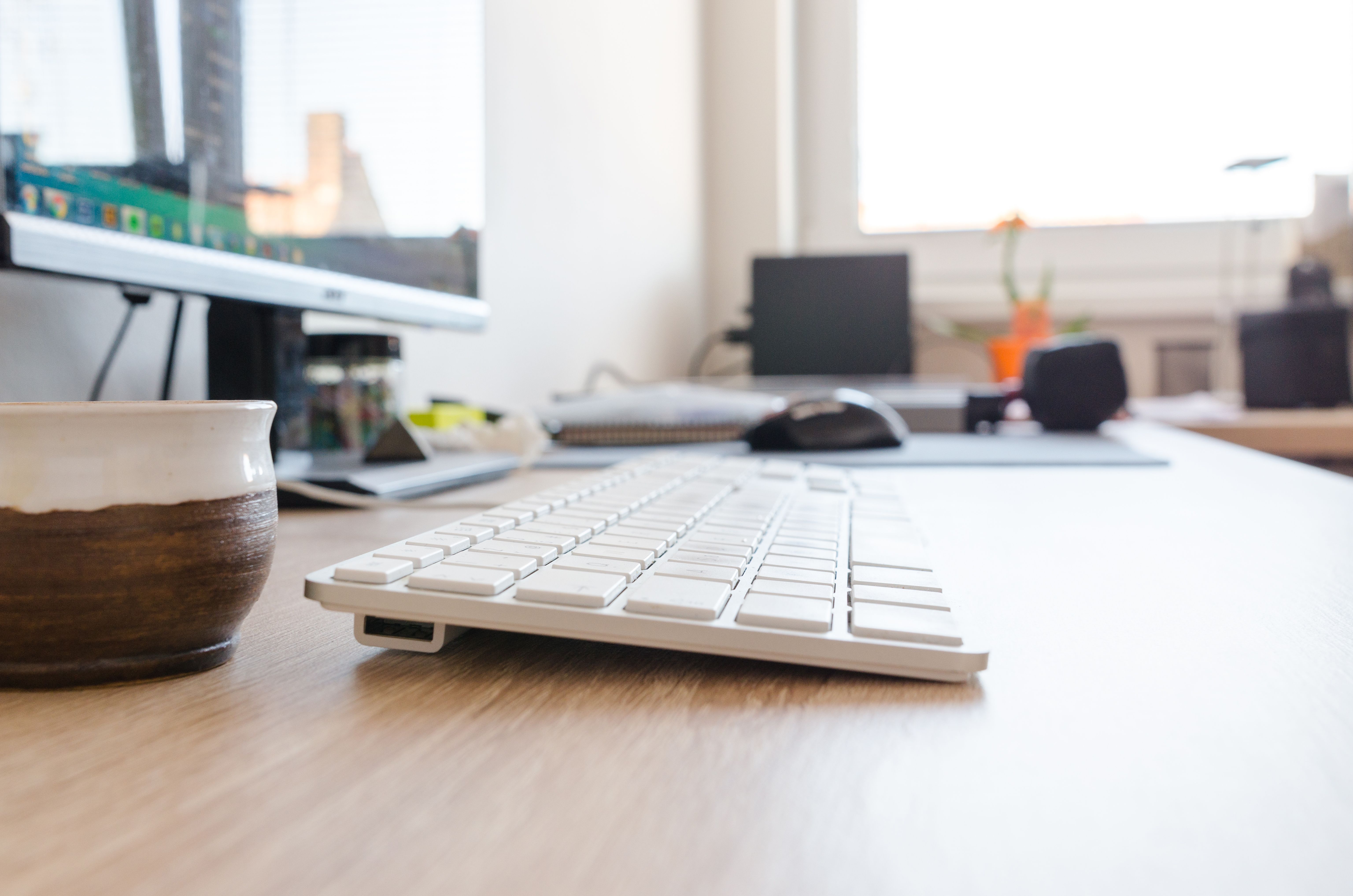
Compare the full-size Logitech MX Keys S with Apple’s base USB-C Magic Keyboard by device switching, layout, lighting, ecosystem, and desk setup.
If you move between a laptop, tablet, and desktop, a keyboard can either simplify that routine or add another thing to manage. Logitech’s MX Keys S is a full-size wireless keyboard with smart illumination and a one-key device switch for up to three devices. Apple’s base Magic Keyboard is a slimmer USB-C model designed for Mac and Apple Vision Pro, with a compact layout and no numeric keypad.
This comparison is for the standard MX Keys S and Apple Magic Keyboard (USB-C, U.S. English). It does not include the Logitech MX Keys Mini or Apple’s separate Magic Keyboard models with Touch ID or a numeric keypad.
The quick read
Start with the MX Keys S if you want a number pad, adjustable backlighting, and a keyboard that can switch among up to three supported devices. Start with the Apple Magic Keyboard if you use a Mac, want a simple low-profile keyboard, and do not need a number pad or built-in device switching. The right choice also depends on the operating systems in your workspace and which key layout you prefer.
At a glance
| Published detail | Logitech MX Keys S | Apple Magic Keyboard (USB-C, U.S. English) |
|---|---|---|
| Layout | Full-size keyboard with number pad | Compact layout without number pad |
| Device workflow | Easy-Switch key for up to three devices | Designed for Mac and Apple Vision Pro; confirm your device and pairing needs |
| Lighting | Smart illumination; brightness and timing can be adjusted in Logi Options+ | No backlit keys listed on the base model page |
| Connection / power | Wireless; rechargeable, with USB-C charging listed by Logitech | Rechargeable; USB-C charging port and included USB-C cable |
| Best first question | Will you use the multi-device and customization features? | Is the compact Apple layout enough for your daily work? |
Check the exact language layout, OS, connection method, and current package contents on the product page for the model you plan to buy.
MX Keys S: more controls and room for numbers
Logitech positions MX Keys S as a full-size keyboard with spherically dished keys, smart illumination, programmable keys, and a shortcut to switch between as many as three devices. Logitech lists compatibility with Windows, macOS, ChromeOS, Linux, and iPadOS, while noting that basic functions may be supported on some systems without the company’s software.
That feature set is useful to investigate if you regularly switch between multiple computers or enter figures in spreadsheets. The companion Logi Options+ app adds customization, so consider whether you want to install and maintain extra software. A full-size layout also takes more desk space than a compact keyboard. Logitech’s description of its typing design is manufacturer language; we have not tested typing feel or comfort.
Apple Magic Keyboard: a compact Mac-oriented setup
Apple’s base USB-C Magic Keyboard has a slim footprint and a familiar Mac layout. The U.S. English model page lists a rechargeable battery, USB-C port, and included USB-C charging cable. Because this is the base model, it does not include Touch ID or the separate numeric keypad. Apple sells those as distinct variants, so check the product name carefully if either is important to you.
The compact form may leave more room for a mouse or notebook. It is a natural candidate to compare if your desk centers on a Mac and you prefer Apple’s key labels. If you plan to use it with a Windows PC, tablet, or a mix of systems, verify the key mapping, connection process, and shortcuts you rely on before purchase; the product page is framed around Mac and Apple Vision Pro.
Match the keyboard to your workday
Think about your actual desk routine. Do you enter numbers often? Do you switch devices throughout the day? Do you need backlighting in a dim room? Will the keyboard stay in one place, or do you want to move it between a desk and a bag? These questions are easier to answer than which brand is “better” in the abstract.
If possible, type a few paragraphs on both layouts. Check the reach to the number row, the position of modifier keys, the width of the keyboard, and whether the angle feels comfortable. Product descriptions cannot tell you whether a low-profile or sculpted key design will suit your hands.
Which one should you shortlist?
- Shortlist Logitech MX Keys S if a number pad, backlighting, customization, and quick switching between several devices would solve a real daily need.
- Shortlist Apple Magic Keyboard if you want a compact, Mac-oriented keyboard and do not need the number pad, backlights, or dedicated multi-device controls.
- Check another variant if you need Touch ID, a numeric keypad in Apple’s layout, or the smaller Logitech MX Keys Mini; those are different models with different trade-offs.
For a multi-device home office, Logitech publishes more workflow features. For a compact Mac desk, Apple’s base keyboard keeps the layout simpler. Decide by the keys and controls you will use, then confirm compatibility, exact model, and current price on the manufacturers’ pages.
Sources
Desk comparison of official U.S. product pages checked October 22, 2026. ReviewClearly did not purchase or type on either keyboard. Typing feel, comfort, and long-term reliability are not hands-on tested; prices and compatibility details can change.